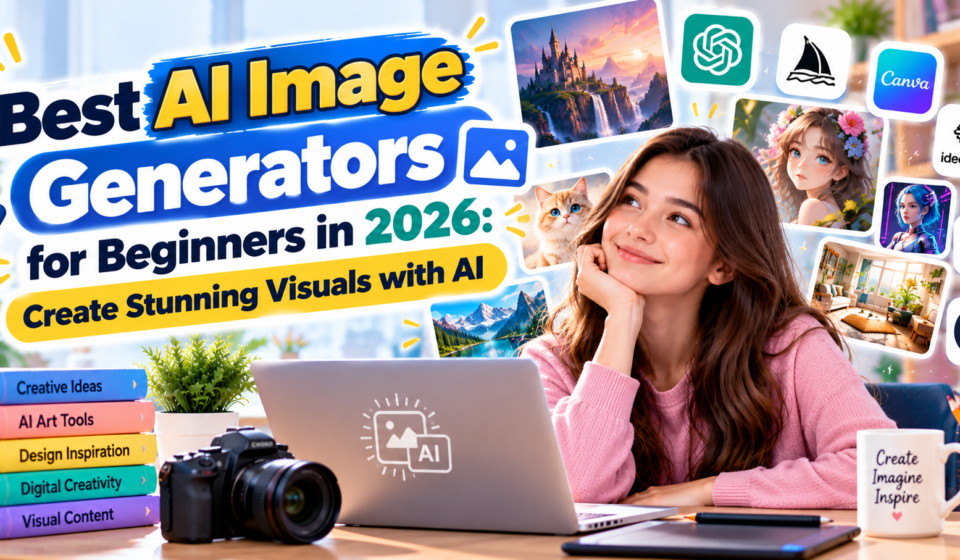

Artificial intelligence has made digital image creation more accessible. Today, users can generate illustrations, marketing visuals, concept art, and creative designs by describing what they want in ordinary language.
The best AI image generators for beginners combine accessible interfaces with useful creative features.
In this guide, we explore popular AI image-generation platforms and explain how to get started.
What Is an AI Image Generator?
An AI image generator is a system that creates visual content from user instructions.
Many tools accept text prompts describing a scene, subject, artistic style, lighting, and composition.
Some also support editing existing images or generating variations.
1. ChatGPT Image Generation
ChatGPT supports image creation and editing in eligible experiences.
Users can describe the image they want and request changes through natural-language instructions.
Best for: Conversational image creation and revisions.
2. Adobe Firefly
Adobe Firefly provides generative AI features for creative workflows.
It supports image generation and editing capabilities within Adobe’s ecosystem.
Best for: Designers and marketing professionals.
3. Midjourney
Midjourney is known for generating artistic and visually detailed images.
Users can experiment with different styles, compositions, and creative directions.
Best for: Concept art and creative imagery.
4. Canva AI
Canva includes AI-assisted design capabilities within its broader visual design platform.
Users can combine generated imagery with templates, typography, and other design elements.
Best for: Social media graphics and marketing materials.
5. Ideogram
Ideogram is an AI image-generation platform with features for producing visual designs that incorporate text.
It can be useful for posters, creative graphics, and design concepts.
Best for: Typography-focused visual designs.
6. Leonardo AI
Leonardo AI offers tools for generating creative assets and digital artwork.
Users can explore different visual styles and image-generation workflows.
Best for: Creative assets and illustrations.
7. Microsoft Designer
Microsoft Designer provides AI-assisted visual creation tools.
It can help users develop graphics for personal projects and digital communication.
Best for: Everyday graphic design.
How to Write Better AI Image Prompts
A useful image prompt should describe the subject clearly.
For example:
“Create a bright, modern home office with a laptop on a wooden desk, natural morning sunlight, indoor plants, realistic photography, and a clean background.”
This prompt includes the setting, lighting, style, and important objects.
You can improve results by adding details about camera angle, colors, and image proportions.
Tips for Beginners
Start with a simple prompt and refine it gradually.
Avoid including too many conflicting instructions.
Check generated images for distorted objects, incorrect text, or unrealistic details.
Before using AI images commercially, review the platform’s current licensing terms.
Are AI Image Generators Free?
Some services provide free access, credits, or limited trials. Others require paid subscriptions.
Free-plan availability and commercial-use permissions differ between platforms.
Frequently Asked Questions
Can beginners create AI images without design skills?
Yes. Many AI image generators use simple text instructions.
Can AI-generated images be used on websites?
Potentially, but users should review the service’s terms, licensing conditions, and applicable laws.
Can AI image generators create logos?
Many can generate logo concepts, but professional branding may require additional editing and trademark checks.
Conclusion
AI image generators make it easier to explore creative ideas and develop visual content.
Beginners should experiment with different tools, improve their prompts, and carefully review generated results.
For more AI design tutorials, visit AIDailyPilot.com.